Table of Contents
Scam text messages are now one of the most common ways criminals try to reach people — and they are very good at looking real. Americans reported losing $470 million to scams that started with a text message in 2024, according to the Federal Trade Commission (FTC). The good news: nearly every scam text gives itself away if you know what to look for, and this guide shows you exactly that.
The quick answer: If a text you weren’t expecting asks you to tap a link, pay a fee, or reply with information — stop. Don’t tap, don’t reply, and don’t call any number in the message. Check the company safely through its official app or the phone number on your bank card instead. Then report the text, block the number, and delete it. The full steps are below.
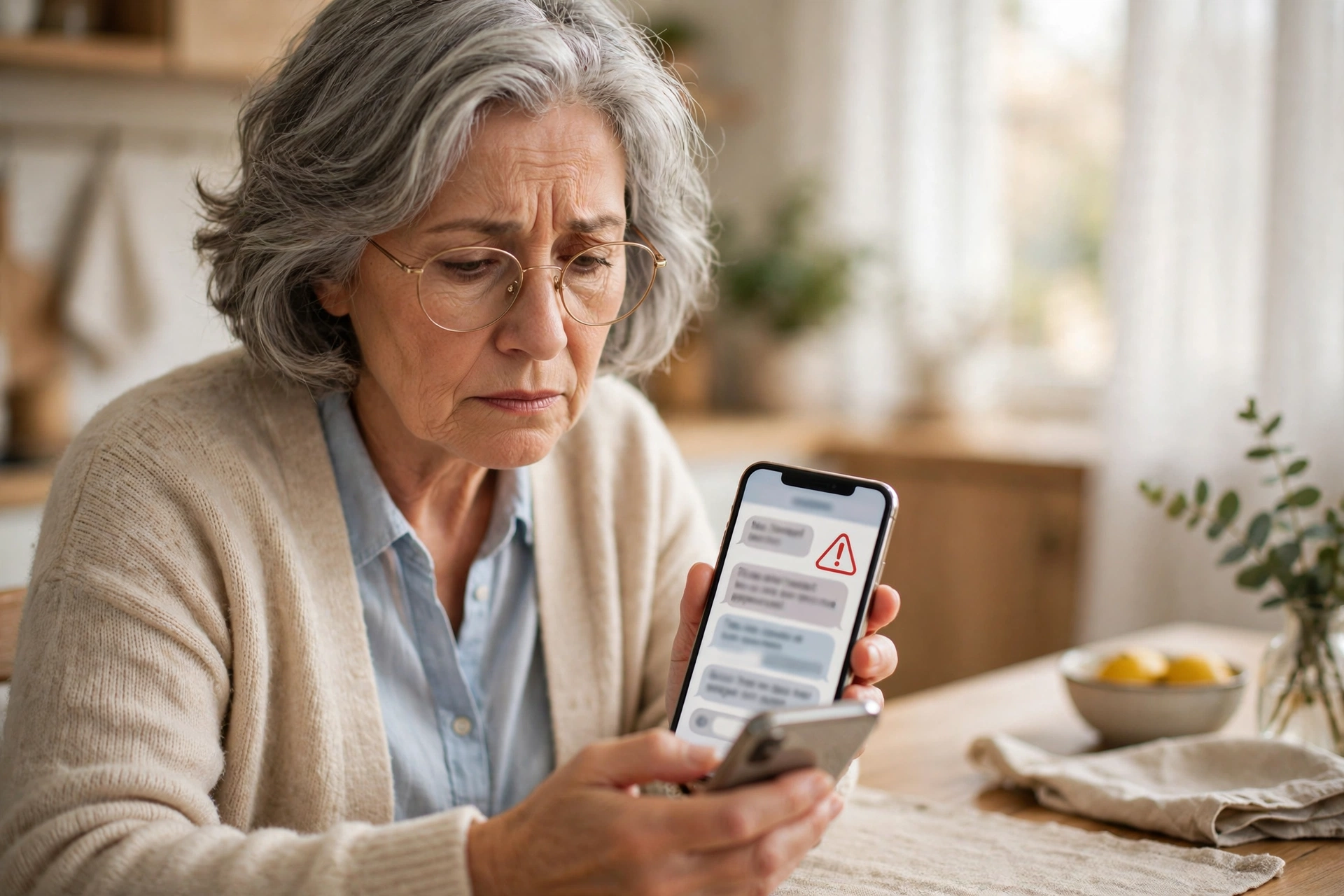
How to spot scam text messages: 7 warning signs
- It rushes you. “Pay within 12 hours or face a fine.” Scammers create panic so you act before you think. Real companies don’t threaten you by text.
- It asks you to tap a link. The link is the trap. It leads to a fake website designed to steal your password or card details.
- The sender looks strange. A very long number, a number from another country, or an email address instead of a phone number.
- It claims to be your bank, the post office, or a toll service — and asks for payment or login details. Real banks never ask for these by text.
- You’ve “won” something. A prize, gift card, or refund you never entered for does not exist.
- It starts like a wrong number. A friendly “Hi, is this Sarah?” can slowly turn into a conversation designed to win your trust — then comes a request involving money or cryptocurrency.
- Small things look off. Spelling mistakes, an odd-looking web address, or a greeting that doesn’t use your name.
One warning sign is enough. If a text shows even one of these, treat it as a scam until you have checked it safely — the safe way is explained below.
The 5 most common scam text messages right now
1. The fake package delivery. “Your parcel could not be delivered. Tap here to reschedule or pay a small fee.” This was the most commonly reported text scam of 2024. Delivery companies do not charge redelivery fees by text.
2. The unpaid toll. “You have an unpaid toll of $6.99. Pay now to avoid penalties.” Roads and toll agencies do not collect small tolls by surprise text message.
3. The fake bank alert. “Suspicious activity on your account. Reply YES or NO, or tap here to verify.” The reply and the link both lead to the scammer, not your bank.
4. The prize or gift card. “Congratulations! Claim your reward.” There is no prize — there is only a form waiting for your personal details.
5. The “new phone” family message. “Hi Mum, I lost my phone, this is my new number. I need help with a bill.” Always call the person’s old number, or another family member, before sending anything.
What to do when you get scam text messages
- Don’t tap any link, don’t reply, and don’t call the number in the text. Even replying “STOP” tells the scammer your number is active and can bring more messages.
- If it might be real, check it the safe way. Close the text. Open the company’s official app yourself, type its real website address yourself, or call the number printed on your bank card or statement.
- Report it to your phone carrier. Press and hold the message, choose Forward, and send it to 7726 (those digits spell SPAM). This is free, and it helps your carrier block similar texts.
- Report it inside your messaging app. On iPhone, if you see Report Junk under the message, tap it, then Delete and Report Junk. On Android with Google Messages, press and hold the conversation, tap Block, tick Report spam, and tap OK.
- Block the number. On iPhone, tap the number at the top of the conversation, tap Info, then Block Caller. Blocking on Android happens in the same step as reporting above.
- Delete the message so nobody taps it by accident later — including you, on a tired evening.
You can also report the scam to the FTC at ReportFraud.ftc.gov. It takes a couple of minutes and genuinely helps investigators track down scam operations.
Turn on protection so you receive fewer scam text messages
On iPhone: Open Settings, then Messages (on newer iPhones, Settings > Apps > Messages), find Filter Unknown Senders and turn it on. Texts from numbers not in your contacts move into a separate list instead of disturbing you. Some newer iPhones call this screening for unknown senders.
On Android (Google Messages): Open the Messages app, tap your profile picture, then Messages settings, then Spam protection, and make sure it is turned on. Google will move suspicious texts into a “Spam and blocked” folder automatically.
Already tapped the link or replied? Do this now
First: please don’t feel embarrassed. These messages fool careful people every day — that is their entire design. What matters is acting quickly.
- If you paid or entered card details: call your bank right now using the number on the back of your card. Ask them to block the card and check recent payments.
- If you entered a password: go to the real website yourself (not through the text) and change that password. If you use the same password anywhere else, change those too, and turn on two-factor authentication where offered.
- If you shared personal information such as your Social Security number: visit IdentityTheft.gov — the FTC’s free site — for a step-by-step recovery plan made for exactly this situation.
- If you only tapped and entered nothing: close the page, delete the text, and carry on. Simply opening a link, without typing anything, rarely causes harm on an up-to-date phone.
Frequently asked questions
Should I reply STOP to scam text messages?
No. With a real company you have an account with, STOP is a normal way to unsubscribe. With a scam text, replying confirms your number belongs to a real person, and scammers often sell confirmed numbers to other scammers. Report, block, and delete instead.
Can a text harm my phone if I only open it?
Just opening and reading a text is normally safe on iPhone and modern Android phones. The danger begins when you tap a link, download an attachment, reply, or type information into a page. If you opened it and did nothing else, simply delete it.
Why do I suddenly get so many scam texts?
Phone numbers are traded in huge lists after data leaks at companies and websites. It doesn’t mean you did anything wrong. Turning on the filtering described above, and reporting messages to 7726, reduces them noticeably over time.
Do banks ever send text messages with links?
Banks do send genuine alerts, but they do not ask you to log in or pay through a text link. The safe habit is simple: never use the text itself. Open your banking app, or call the number on your card, and check there.
You’re in control
Every one of these scam text messages depends on one thing: hurrying you. The moment you slow down, check through a channel you trust, and refuse to use anything inside the message, the scam falls apart. If reading small print on your phone makes messages like these hard to judge, our guide on how to make text bigger on your iPhone can help you read everything clearly and comfortably.
For more detail, the FTC’s own guide to recognizing and reporting spam text messages is excellent — and share this article with a friend or family member. Scam warnings are one thing that really does get stronger when everybody passes them on.